

Skip to content

REJECTED META ACCOUNT

Building a Meta profile and an advertising account is a long-term matter, and its rejection can greatly complicate further functioning on this platform.

Contact us

What should I do when Meta rejected my account?
Image by Annie Spratt
  • First of all, you need to find out if your private profile or advertising account has been blocked
  • The good news is that both things can be solved, but they require several steps
  • Blocking a private account is often associated with Facebook's suspicion of misuse of the private account, and thus the solution lies in proving to FB that you really are the owner of the account.
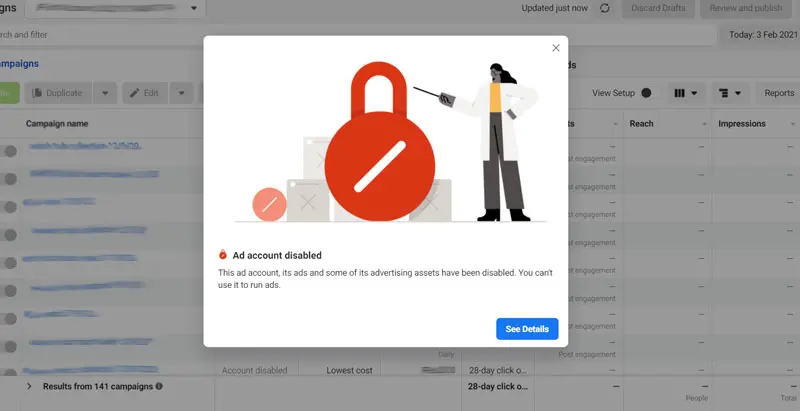
  • Blocking an advertising account is associated with a violation of the Facebook Ad policy, where FB must be contacted and shown that the blocking occurred by mistake and the account did not violate the rules of the platform in any way
Contact us

What are the most common reasons for blocking a personal profile?

A problem accessing a private profile can be caused by:

  • Logging in from another device
  • Access via another wifi / internet connection
  • Inappropriate comments below posts
  • Publishing inappropriate content
  • Sending inappropriate images via Messenger
  • other

How to proceed with unblocking?

facebook
Contact us
  1. Contact us

    You can contact us via the contact form in the footer, or the contact section.

    iphone
  2. Confirmation of identity

    Prepare an identity card or other proof of identity.

    Signing Contract
  3. Request to FB

    Follow the instructions of our support. The process involves filling out an FB request to restore your personal profile.

    Video Call

What are the most common reasons for blocking an ad account?

A problem with access to the advertising account (or the inability to start new ads) can be caused by:

  • Logging in from another device
  • Access via another wifi / internet connection
  • Inappropriate ads that violate Facebook's rules
  • Publishing inappropriate content
  • Unverified domain in FB Business Manager
  • Unverified identity of the ad account owner
  • Payment problem
  • A hacked ad account
  • other
Contact us In case of successful unblocking of the account, we recommend you try our PPC services

How to proceed with unblocking?

Contact us
iphoneStep 1

Contact us

You can contact us via the contact form in the footer, or the contact section.

Image by John SchnobrichStep 2

Unblocking request

With your consent and access, we will ask FB to unblock the advertising account.

Signing ContractStep 3

Confirmation of identity

Prepare an identity card or other proof of identity.
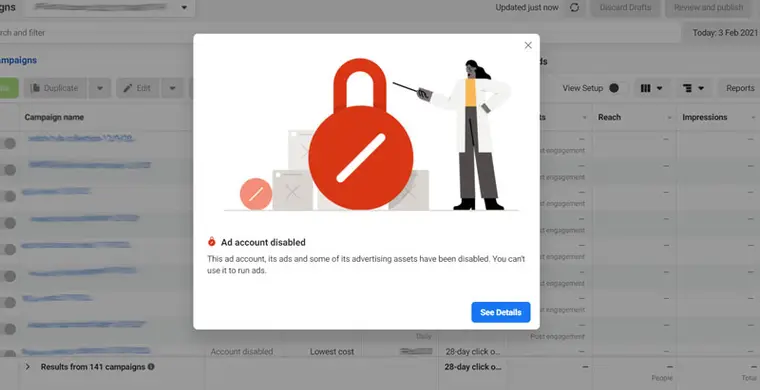
Facebook-Ad-Account-Disabled.jpgStep 4

Unblocking verification

Upon receipt of the notification from FB, we will verify that the account has been approved for re-use for advertising purposes.

Image by Beci HarmonyStep 5

Verify the cause of the blockage

Through Teamviewer or another similar tool, we will navigate you to the section where it is possible to verify the reason for blocking the account.

Image by Lagos TechieStep 6

Training

Our specialists will advise you on how to avoid re-blocking your account.
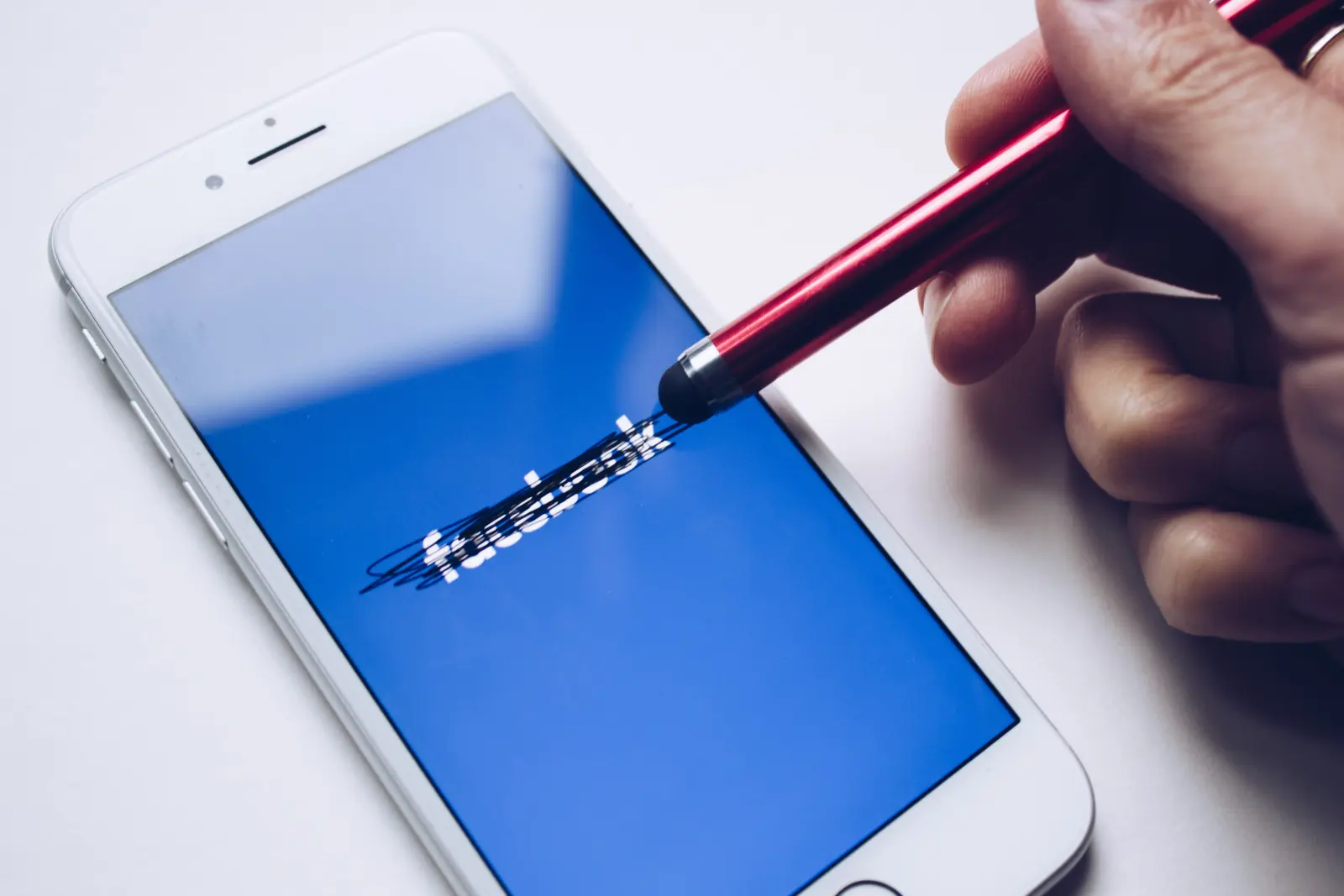
Image by Thought Catalog